Your photos, honest.
Microprism captures pure, unfiltered RAW, the scene as your lens actually saw it. Then you wrap it in the warm, grainy looks of the early-smartphone filter era. On your terms.
Runs entirely on your device. No account, no tracking, nothing collected.
No smoothing. No watercolor skies. No invisible fixes.
Most phone cameras process your photos into a smooth, plastic look before you ever see them. Microprism turns the heavy computational processing all the way down and captures pure RAW, with real detail and real grain. Prefer Apple's richer pipeline? Apple ProRAW is one toggle away.
The look of early phone photos, done right.
- Warm, faded color and moody high-contrast fades.
- True black and white, from crunchy and neutral to soft and cool.
- Cinematic and classic emulsion grades with real grain, bloom and halation.
Every look is drawn by hand, not borrowed, so your photos keep their full resolution and their own personality.
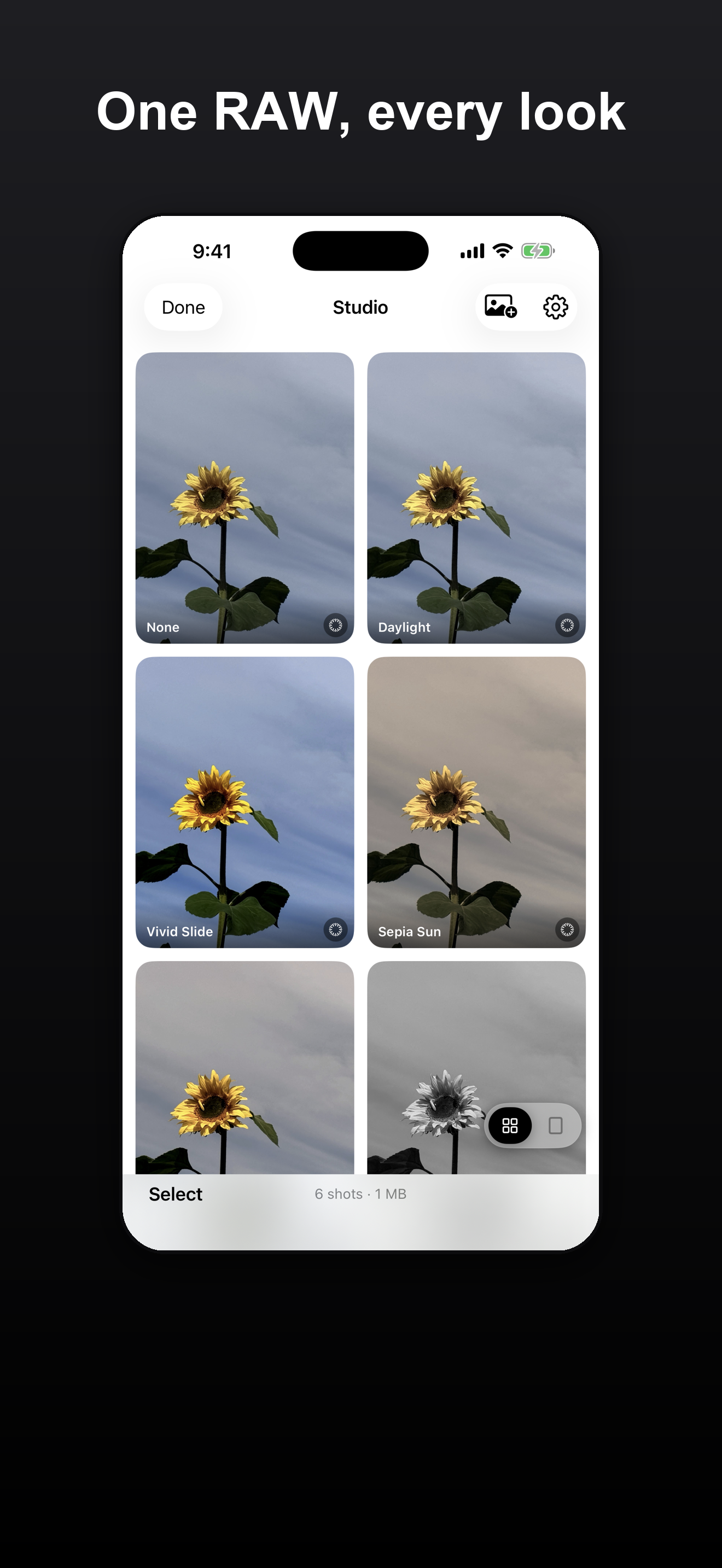
Everything you reach for, right where you need it.
RAW and ProRAW
Bayer RAW by default, with optional Apple ProRAW when you want it.
Full manual control
Focus, exposure, ISO, shutter and zoom, all at your fingertips.
Live readouts
A live histogram, focus peaking and zebra stripes for precise exposure.
Software long exposure
Light trails and silky water, no tripod app required.
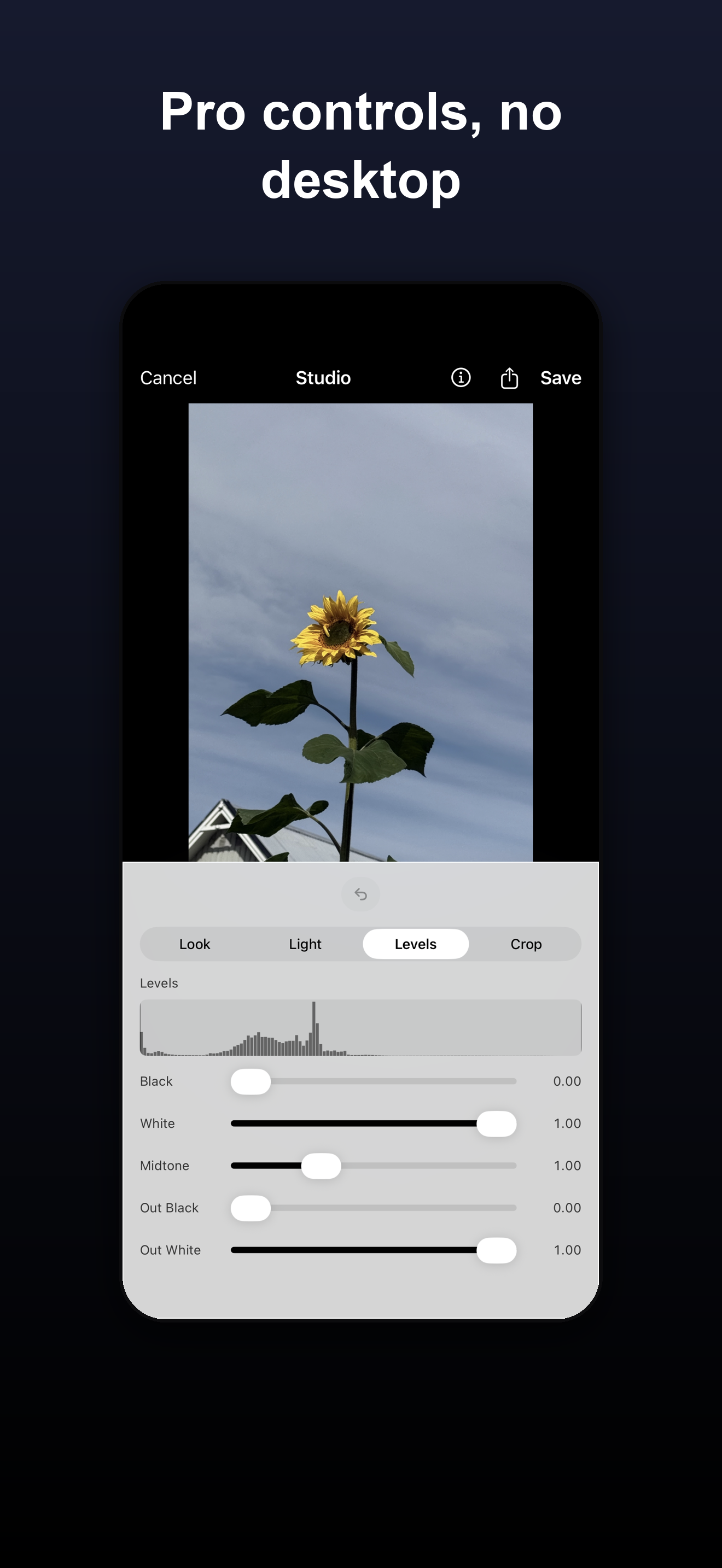
Studio
Come back to any RAW shot later to re-look, crop, straighten and fine-tune. Your original is never touched.
Creative prompts
Gentle daily photo challenges that get you out and shooting.
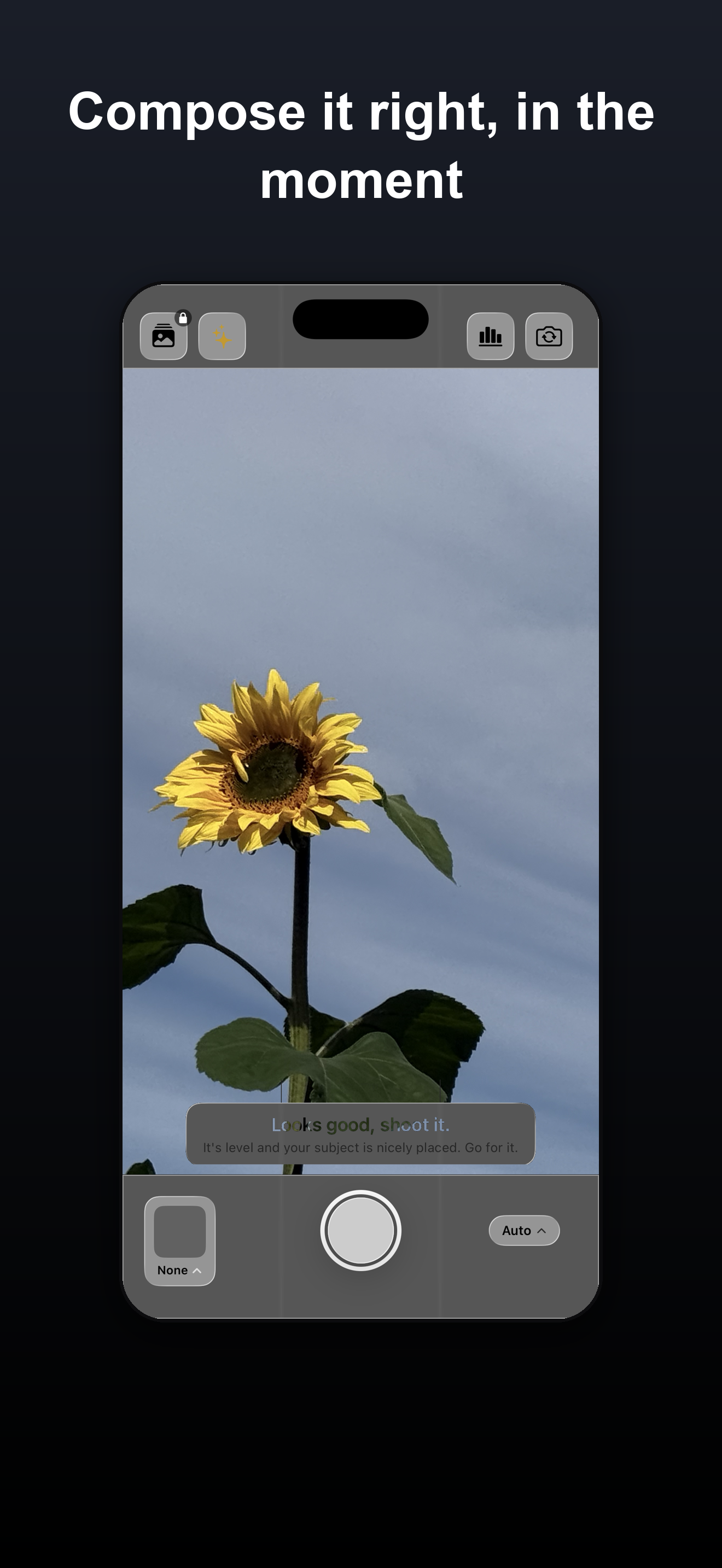
One RAW. Every look. Whenever you come back to it.
Re-develop any shot into a new style, non-destructively. Crop, straighten, and adjust exposure, contrast and grain. Import your existing photos to give them a new look, and export to iCloud Drive when you want a backup.
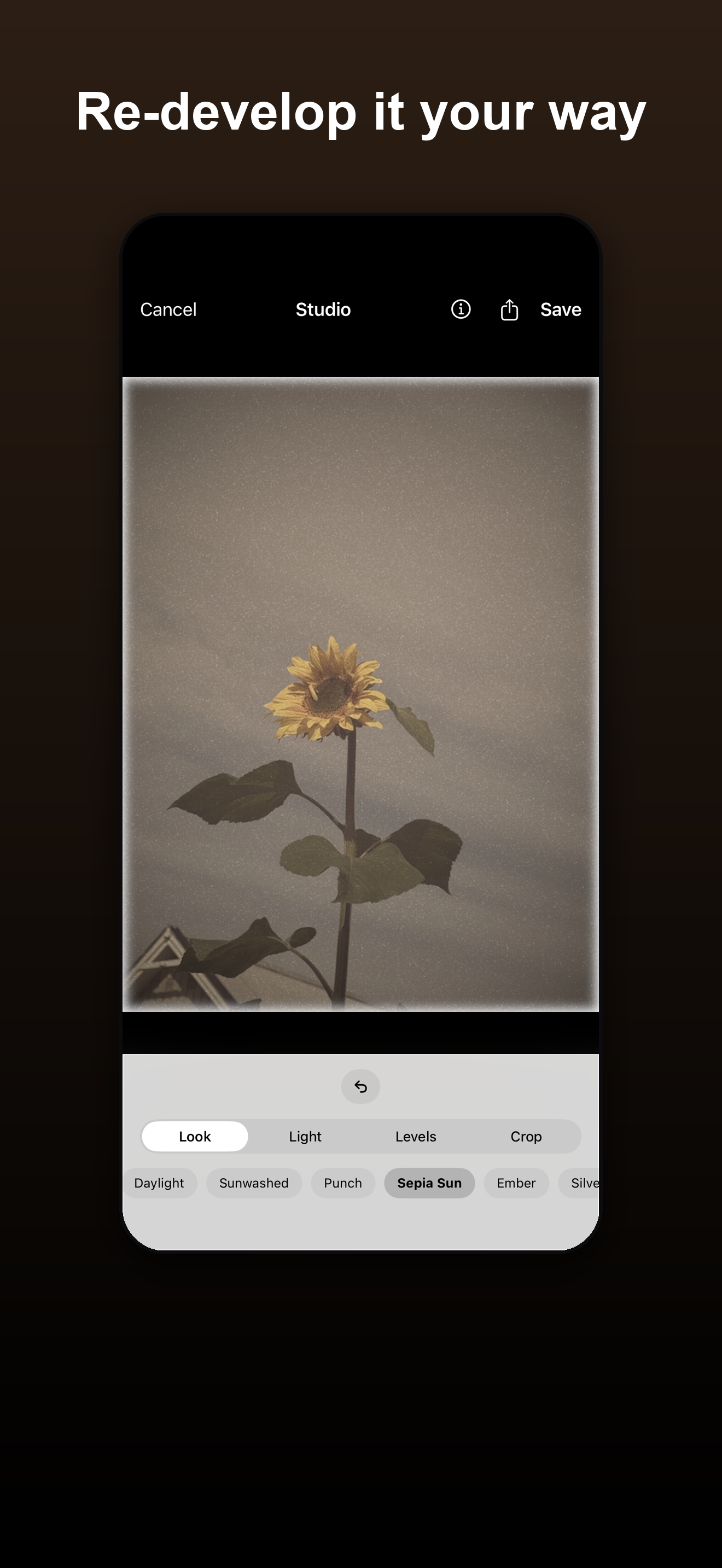
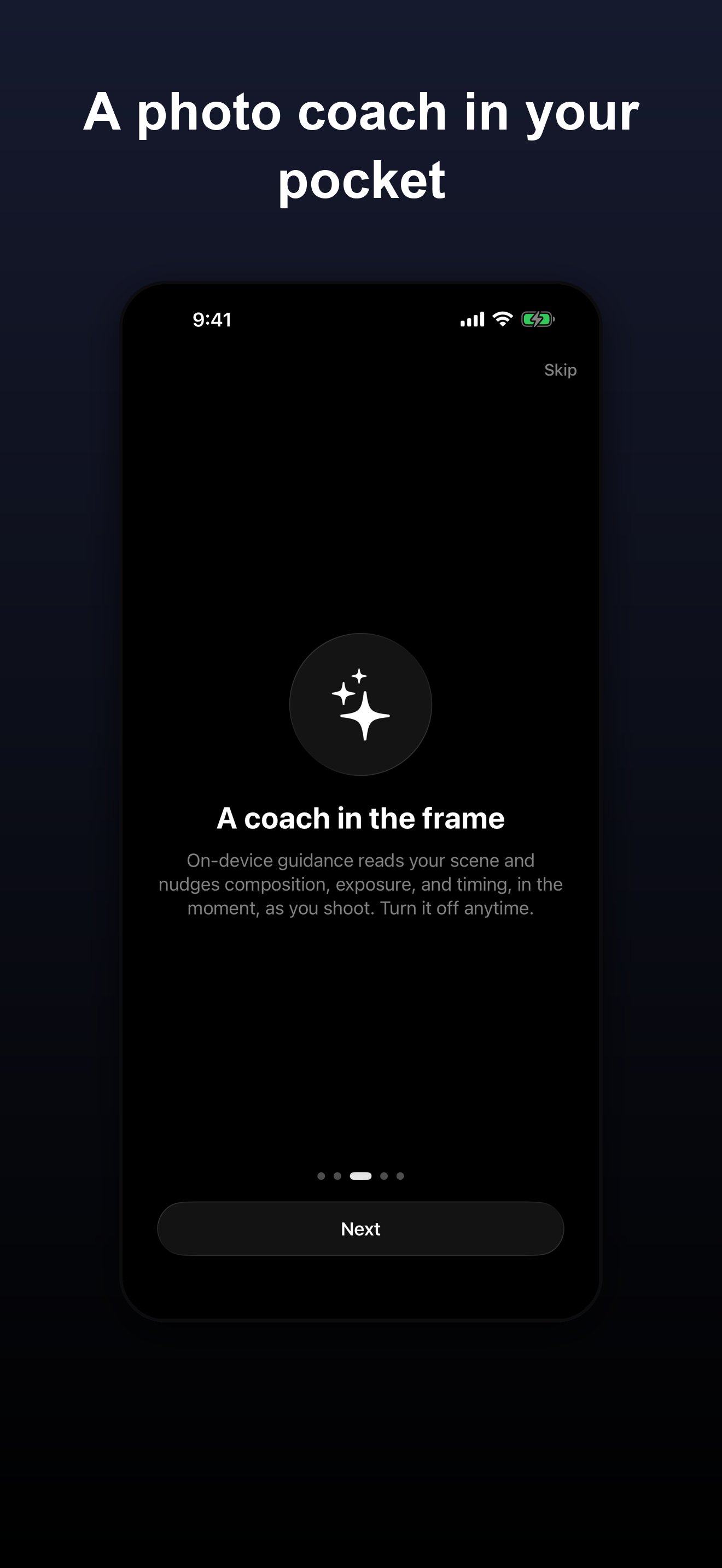
An optional helper, only if you ask for it.
- A quick tip in the moment, or a note after the shot.
- It suggests things you can do right now: move, reframe, wait for better light.
- It never edits your photo for you, and it runs entirely on your device.
Private by design.
Microprism runs entirely on your device. No account, no sign-up, no tracking, nothing is collected. Your photos never leave your phone unless you choose to share them.
Read the full privacy policyShoot honest. Finish with feeling.
Microprism is coming to the App Store. Questions in the meantime? We are happy to help.
Get support